Choosing a task manager seems easy at first… until you actually start looking at what’s out there. There are paper planners, little notebooks, digital apps, calendar systems, reminder tools, project management platforms, and also endless productivity methods that promise to help you organize every single thing. The annoying part is that more options does not automatically equal more organized. Sometimes it even does the opposite, because swapping between systems again and again can add extra stress, make information kind of scattered, and leave tasks half done.
The real solution isn’t really about finding the “best” task manager. It’s more about finding a setup that fits how you think, how you work, how you remember, and how you handle your day. A task management system only becomes truly useful once you can stick with it. So whether you like writing by hand, using a productivity app, or using both together, the right approach should help you capture tasks quicker, sort out priorities, scan your commitments later, and finally get things moving.
What Is a Task Management System?
A task management system is like the way you capture, sort, elevate, line up, and finish your responsibilities. It can be as plain as a notebook, or as advanced as a digital project management platform. Honestly the tooling is secondary to the whole process behind it.
A useful system should answer basic questions such as:
- What do I need to do?
- What should I do first?
- When does it need to be completed?
- Where should I record new tasks?
- What needs my attention today?
- What can wait until later?
The objective of personal task management isn’t to create more busywork, paperwork, admin stuff whatever you want to call it. Instead it should lower mental clutter, and make it easier to keep attention on those meaningful actions, not the meaningless noise.
Digital vs. Paper Task Managers: The Real Difference
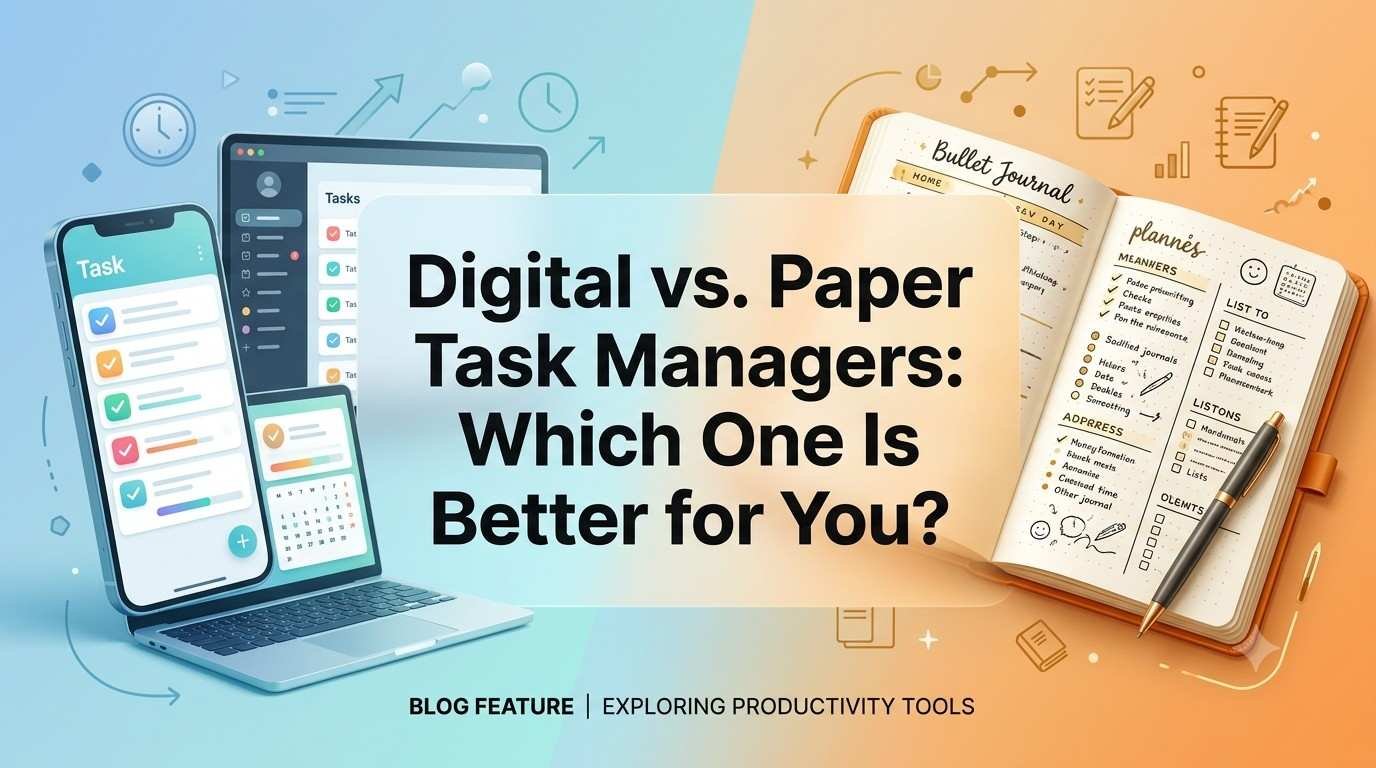
The biggest difference between digital and paper task systems isn’t just, some tech stuff. It’s mostly about the way information gets captured, accessed, altered, and then actually reviewed. With paper you get a sort of tactile, physical rhythm. You write, you cross things out, you draw arrows, highlight here and there, and you can literally see what you are doing, and your tasks feel concrete. In a digital setup you get automation as well as flexibility. You can make recurring tasks, set up little reminders, search through information fast, attach documents, sync everything across devices, and shuffle or reorganize your tasks in a hurry. None of the two approaches is automatically “better” on its own though. Your style, your day to day workspace, your responsibilities, and what you personally prefer should guide the choice.
Benefits of Using a Paper Task Manager
Writing Can Make Tasks Feel More Concrete
Writing something down really means you do a physical action that can help you slow down and sort through what you’re doing. A handwritten list can feel a bit less distracting than an app that’s packed with notifications, buttons, and extra little features, all trying to pull your attention in different directions. For some people, when they write tasks with their own hand, it builds a stronger tie between planning and actually taking action. That’s why a paper planner kind of stands out for productivity, especially for people who enjoy handwriting and visual organization , even if it’s a little messy at first.
Paper Is Simple and Distraction Free
A notebook doesn’t send notifications, it doesn’t ask for updates, and it wont tempt you to keep checking social media. You open the page, write what matters, and start working. If you tend to get sidetracked by technology, this plain simplicity can be a big advantage. A paper planner can turn into a focused space for tasks, without battling other apps or notification pings, every few minutes.
You Can Customize It Freely
Paper doesn’t give you one rigid interface. You can build sections however you like, daily tasks, weekly targets, ideas, appointments, notes, ongoing projects, or private reminders. You can also use colour symbols, arrows, diagrams, or even handwritten categories. For people who like creative planning, this kind of handwritten organization for your tasks can feel more natural than typing everything into neat digital boxes that someone else already designed.
Disadvantages of Paper Task Managers
Paper still has limitations, it is kind of clunky, you cannot just instantly search through hundreds of handwritten notes. You also don’t get automatic reminders, or real time sync so your notebook just appears the same on every device. And if you start changing deadlines, it can get messy fast, especially when that one page has crossed out dates and then rewritten tasks, and suddenly you are not sure what you meant. So paper can end up being hard to handle when your responsibilities include constant shifts, large projects, several collaborators, or a bunch of recurring deadlines. The real question is whether those constraints actually end up touching your day to day workflow in a meaningful way.
Benefits of Digital Task Managers
Easy Access Across Devices
One big advantage of digital task management is accessibility, honestly it feels more natural than paper. With a cloud based task list, you can usually open it on a smartphone, laptop, tablet, or just through a web browser. So your tasks can stay there, whether you’re working from home, traveling, or sitting at your desk, no matter what the day throws at you.
For people juggling multiple locations or devices, digital task management can also cut down on that annoying trouble of forgetting where a detail got written down. Like, you know it existed somewhere.
Reminders and Notifications
A digital system can nudge you about upcoming deadlines, appointments, repeating duties, or scheduled tasks. This is especially helpful when something matters but it doesn’t need instant attention right this second.
Instead of leaning fully on memory, you can let the system remind you at a reasonable time. Still, too many notifications can cause the reverse effect. A good digital setup should lower mental clutter rather than raise it, even if the alerts seem “helpful” at first.
Easy Editing and Reorganization
Digital tasks can often be moved, re-scheduled, grouped, prioritized, or removed without rewriting an entire page. If a meeting shifts from Tuesday to Thursday, you can update the date in seconds, not hours.
For anyone with schedules that keep changing, this adaptability makes digital productivity tools particularly handy.
Search and Organization
Digital tools can manage lots of information more smoothly than a physical notebook ever could. You may be able to search for a keyword, filter tasks by project, check upcoming deadlines, or separate personal commitments from professional ones. And as the number of projects and ongoing responsibilities keeps climbing, this kind of organization becomes even more valuable, almost like a silent shortcut you didn’t know you needed.
Disadvantages of Digital Task Managers
Digital tools can make their own little problems. Usually the big trouble is complexity. Instead of actually finishing tasks people might spend a lot of time messing around with dashboards, tweaking categories, testing new apps or hunting for the perfect “ productivity ” setup.
So you get this illusion of productivity, without real improvements. A polished app is not automatically a better productivity system. If keeping the tool running starts feeling harder than just doing the work, then the whole setup probably needs simplifying.
Paper vs. Digital: Which one helps memory more?
Writing by hand can nudge people to process information, not only to capture it. Still, that doesn’t mean every person will automatically remember more just because they chose paper.
The key thing is how actively you engage with what you see and learn. Whether you type or write, going back over your tasks, deciding priorities, and linking what you do to bigger objectives is what matters. If handwriting helps you think in a clearer way, paper might make sense. If digital organization lets you review and manage information more smoothly, then a digital system could be the better match.
Which System Is Better for Busy Professionals?
Busy professionals often have multiple deadlines, meetings, projects, emails and responsibilities all competing for attention, basically at the same time. Digital tools can be useful because they let you do fast capture, set reminders, schedule recurring tasks, and even sync to a calendar. That can feel calming, until it becomes like another thing to manage, you know.
Still, a simple notebook can work extremely well for someone whose responsibilities are pretty stable. The best task manager for busy professionals is, so to speak the one that keeps up with their workload without turning into another source of extra work or “busy”.
Which System Is Better for Students?
Students often handle assignments, exams, classes, projects, study sessions, and personal commitments. A digital system can help with sorting deadlines and reminders across a whole semester. It’s like a quiet organizer in the background.
Paper can also be really useful for daily study planning, handwritten notes, and visual scheduling. Many students may find that a combination, meaning both styles together works better than picking only one approach and sticking with it no matter what.
The Hybrid Task Management Approach
If you can’t decide between paper and digital, you do not necessarily have to pick one forever. A hybrid system combines the strengths of both, and it can feel more practical, especially when things change week to week.
For example, you could use:
Digital tools for:
Calendar appointments, deadlines, recurring reminders, long-term projects, and information that needs to be accessible across devices.
Paper for:
Daily priorities, brainstorming, meeting notes, quick planning, and personal reflections.
This can create a hybrid productivity system that provides digital flexibility while preserving the simplicity of handwriting.
How to Decide Between Paper and Digital
Instead of asking which method is objectively better, ask which method fits your behaviour.
Consider these questions:
- Do you naturally enjoy writing things down?
- Do you frequently lose or forget notebooks?
- Do you need reminders?
- Does your schedule change frequently?
- Do you work across multiple devices?
- Do notifications help or distract you?
- Do you manage projects with other people?
- Do you need to search old tasks?
- Does visual planning help you think?
- Do you prefer simplicity over automation?
Your answers can reveal which system is likely to work better.
A Simple Productivity Quiz
Think about the way you currently manage responsibilities.
If you prefer writing everything down
You may naturally benefit from a paper planner. The physical process of writing, crossing off completed tasks, and reviewing a page may help you stay engaged.
If you depend heavily on reminders
A digital system may be more appropriate because automated notifications can reduce your dependence on memory.
If you dislike complicated technology
Start with paper rather than downloading five productivity apps. A simple notebook may give you everything you need.
If you manage many projects
Digital organization may become more valuable because filtering, searching, categorizing, and rescheduling are easier.
If neither option feels completely right
Try a hybrid system instead of forcing yourself into one format.
Don’t Keep Changing Your Task Manager
One of the biggest productivity mistakes is constantly searching for a “better” tool. You might spend Monday in one app, Wednesday testing another, and Friday buying a new planner, like it’s some sort of cure. Then you end up with fragmented information, weirdly inconsistent habits.
A better approach is to pick one reasonable system and stick with it long enough to see if it actually works. The tool should become familiar enough that managing your tasks starts feeling almost automatic, not like a daily negotiation.
Give Your System a 30-Day Test
A solid 30-day productivity experiment can show more than endless research. Pick one task manager and commit to using it for about a month.
During this period, observe:
- Are you capturing tasks consistently?
- Are important deadlines being missed?
- Can you find information quickly?
- Are you reviewing your list regularly?
- Does the system reduce stress?
- Are you actually completing more important work?
At the end of the month, try making adjustments, not based on guesswork but on what the evidence is saying. That idea kinda lines up with the main message from the reference article, because the tool itself is only a small piece of a whole task-management system, and the whole system has to actually match the person who’s using it, not the other way around.
Common Task Management Mistakes
Even if you have the best tool in the world, it can still fall apart if your underlying routines are flimsy. Don’t build giant daily lists that are basically impossible to finish. Also, don’t act like every task carries the same weight, and try not to rely on several separate lists that never get checked together, unless there’s a real review rhythm.
Another snag shows up when you start capturing tasks but you never decide what comes next. A task manager shouldn’t turn into a kind of storage box for lingering intentions. Regular check-ins are needed, so you can decide what gets completed, what should be scheduled, what can be delegated, what gets postponed, and what should simply be removed.
How to Build a Better Task Management Routine
Start with one reliable place to capture tasks. Then create a simple process for reviewing those tasks and deciding priorities.
A practical routine could look like this:
- Capture: Record new responsibilities immediately.
- Clarify: Turn vague ideas into specific actions.
- Prioritize: Identify what matters most.
- Schedule: Give important tasks realistic time.
- Review: Check your system regularly.
- Complete: Focus on execution rather than constant planning.
This process is more important than whether the information lives inside a notebook or an app.
Digital vs. Paper Task Managers: Quick Comparison
| Feature | Paper | Digital |
| Simplicity | Excellent | Good |
| Notifications | No | Yes |
| Search | Limited | Excellent |
| Customization | Excellent | Good–Excellent |
| Portability | Good | Excellent |
| Collaboration | Limited | Excellent |
| Recurring tasks | Manual | Automated |
| Distraction risk | Very low | Can be higher |
| Internet/device dependence | None | Often required |
| Best for | Simple, visual planning | Complex, changing workloads |
The comparison shows why there is no universal winner. Each approach solves different problems.
How to Choose the Right Task Manager for You
The best task management approach for productivity has to feel natural enough that you ll actually use it. If you’re into handwriting, start with paper. If you want reminders and syncing, go digital. And if you like both, try a hybrid set up and see where it lands.
Don’t pick a system just because some influencer says it is, the ultimate productivity method. Choose it based on your workload, your preferences, your environment, and even the way you tend to behave. Then give it enough time to become a real habit not just a good idea.
Final Thoughts
The point of task management isn’t to build the most sophisticated organization machine possible. It’s meant to help you capture commitments, figure out what matters, and then actually take action, consistently.
A paper planner can be powerful because it is simple, physical, and mostly distraction-free. A digital task manager can be powerful because it is searchable, flexible, can automate certain things, and works across devices without drama. The strongest option is the one you can maintain. If your current system helps you remember important commitments, prioritize meaningful work, and you feel more in control day to day, you probably don’t need to ditch it just because a newer tool shows up.
Conclusion
Digital vs. paper task managers is not really a competition between technology and handwriting; it is more like a question of personal fit. Paper can give you simplicity, focus, adaptability, and a satisfying physical planning feel, while digital tools bring reminders, synchronization, search, automation, and easier handling of complicated workloads. A hybrid approach can help when neither paper nor digital works perfectly on its own. Instead of endlessly hunting for the perfect planner or app, choose something practical, use it consistently for several weeks, notice what works, and tweak it step by step. The best task manager is ultimately the one that supports your real life instead of forcing your life to fit the tool.
Frequently Asked Questions
1. Is a paper planner better than a digital task manager?
Neither is universally better. Paper works well for people who prefer handwriting and simplicity, while digital systems are useful for reminders, synchronization, and complex workloads.
2. Are digital task managers more productive?
They can improve organization through reminders, search, recurring tasks, and automation, but productivity depends more on the system and habits than the software itself.
3. Can I use paper and digital task managers together?
Yes. A hybrid system can use digital tools for calendars, deadlines, and reminders while using paper for daily priorities, notes, and brainstorming.
4. How long should I test a task manager?
Give a system around 30 days before making a major judgment. This gives you enough time to identify real strengths, weaknesses, and consistency problems.
5. What is the simplest task management method?
Start with one trusted capture location, a short priority list, scheduled deadlines, and a regular review. The system does not need to be complicated to be effective.